Control the Model: How to Actually Use Suno’s MILO
If you’ve used Suno and felt like you were rolling the dice every time you hit generate, MILO is how you stop doing that.
Tips & Tools
Comparisons, walkthroughs and workflow notes for AI-assisted artists.

If you’ve used Suno and felt like you were rolling the dice every time you hit generate, MILO is how you stop doing that.

I took three Suno -generated tracks — Hard Rock, Country, and Soul — and ran them through five commercial AI mastering services:

One of the quiet truths about AI music is that listening matters just as much as prompting. Suno has rolled out a low-key but meaningful new feature called Listen for Credits, tucked inside the platform’s Listen and Rank page. On the surface, it’s simple: listen to short song clips, give feedback, earn credits. But underneath, it’s a signal of where AI music platforms are headed next, toward tighter feedback loops between creators, listeners, and the models themselves. If you’ve ever hit your credit limit mid-idea (or just don’t feel like buying another pack), this is one of the easiest ways to extend your creative runway.

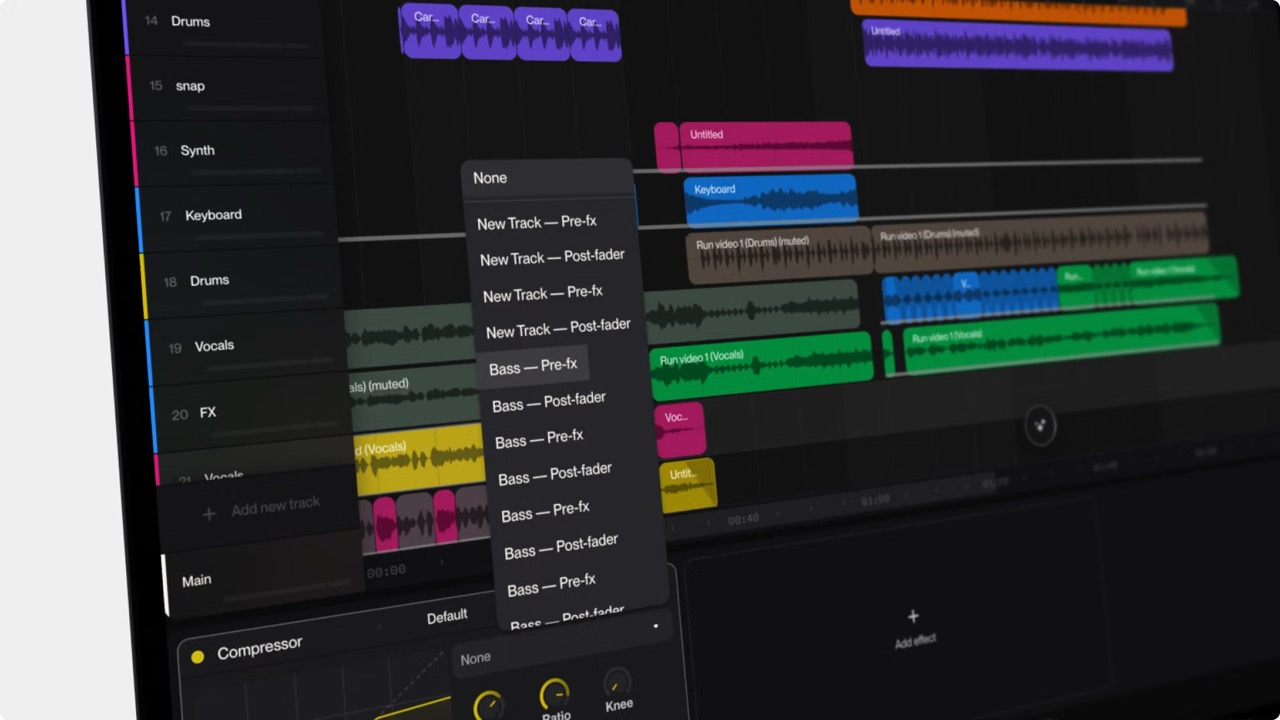
If you’ve been using Suno for more than a few weeks, there’s a good chance your workspace already feels out of control. Suno makes it easy to create music quickly. It does not automatically help you stay organized. That part is still on you. The good news: you don’t need complicated systems, spreadsheets, or external tools. You just need a few habits that match how Suno actually works.

When AI music companies say their models are “trained on songs,” they are not saying the system stores tracks, memorizes melodies, or keeps a hidden library it can pull from later. Training is the process of exposing a model to huge amounts of audio so it can learn how music generally behaves. The system isn’t studying individual works so much as absorbing patterns across many works: how rhythm flows, how harmony resolves, how vocals tend to move, and how different sounds cluster together in styles we recognize as genres.

If you’re making music with AI, one question keeps coming up: “If I pay for the tool, do I own the song?” The answer is simpler — and more uncomfortable — than most people expect. Being allowed to monetize a track and actually owning the copyright are not the same thing. Platforms like Suno can grant commercial rights under their Terms of Service, but they can’t override how U.S. copyright law defines authorship. That still comes down to human control. According to the U.S. Copyright Office, works that are purely AI-generated aren’t copyrightable on their own. Ownership depends on what the human contributes — not the prompt, not the subscription tier, but the creative decisions that shape the final work. That distinction is easy to miss, and increasingly hard to ignore.

Discover the new era of AI music streaming platforms — Souna, BitzAudio, and KIVIO — each offering artists and listeners a dedicated home for AI-native tracks, uploads, discovery tools, and community features. Learn what each platform does, how they work, and why AI-generated music finally has spaces built just for it.

Looking to make music with AI — for free? Here are our favorite platforms that let you generate full songs, vocals, or instrumentals without paying a dime. From the names you know to those you don’t, these tools prove you don’t need a studio to sound pro.

Suno and Udio are the ‘Big Two’ of AI Music. How do you pick which one to use? We look at the differences across the board so you can make the best choice.

Not all “AI music” is the same. Some tools write full songs, others just remix, master, or clone voices. Here’s how to tell which ones truly use AI — and which just sound like they do.

Creating your first AI song is easier than you think. Choose a platform, type a prompt, refine your track, and publish it to the community. In just minutes, you can export professional-sounding audio, grab your shareable link, and let the world hear your music.